01
Name the moment
Describe the person, their situation and the friction—not just the feature someone requested.
Girelumax is a practical reference for teams shaping a mobile app: frame the opportunity, put a prototype in someone’s hand, and learn what deserves attention next.

The useful work happens between a promising idea and a clear next step. These prompts help make that work visible.
Describe the person, their situation and the friction—not just the feature someone requested.
Sketch the smallest believable path through the moment, then use it to invite specific reactions.
Turn observations into a decision log: what changed, what stayed uncertain and what comes next.
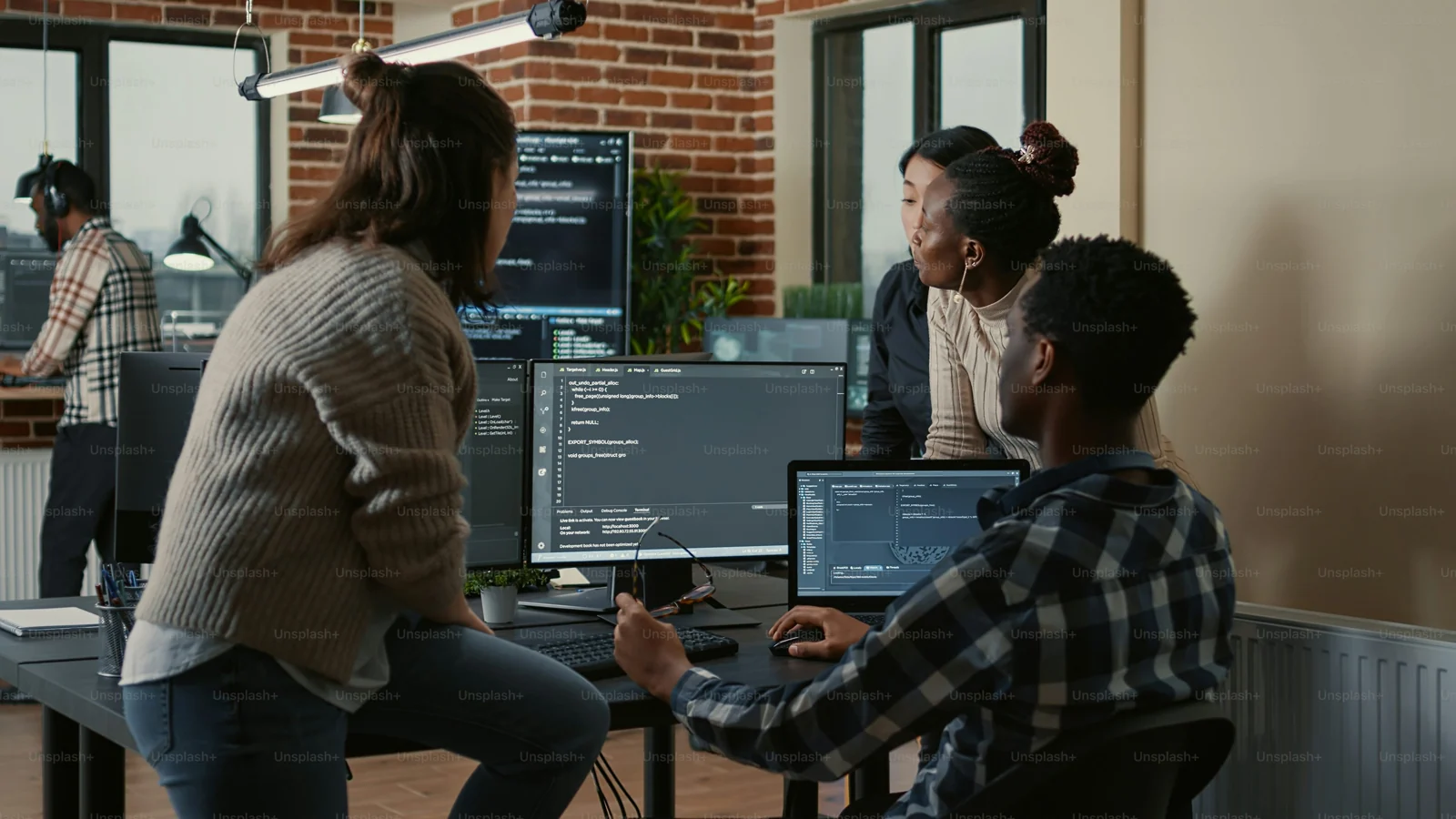
A mobile app rarely lives in a blank room. A strong product brief includes the environment, the interruption, the hand holding the device and the consequence of getting stuck.
Switch between two planning views. Both stay intentionally lightweight so a team can adapt the language to its own context.
Use this view when a team is weighing where to focus. It draws a simple line from context to a working assumption and then to a reviewable moment.
What situation creates the need?
What are we choosing to believe for now?
What would make the choice more credible?

Use this view when you need to learn about behavior. A clear session gives a participant room to show their own route, rather than rewarding them for agreeing with a proposed solution.
Invite a story about a recent moment.
Set up a task without supplying the path.
Record the words, pauses and workarounds.

What is the person protecting, avoiding or hoping to accomplish in this moment?
What other services, people or constraints shape the route through this task?
What must be understood, selected or confirmed on a small screen at the right time?
Write the decision and the uncertainty beside it.
Build only enough to make the scenario discussable.
Watch someone work through the moment in their own words.
Compare notes and agree on the decision that follows.
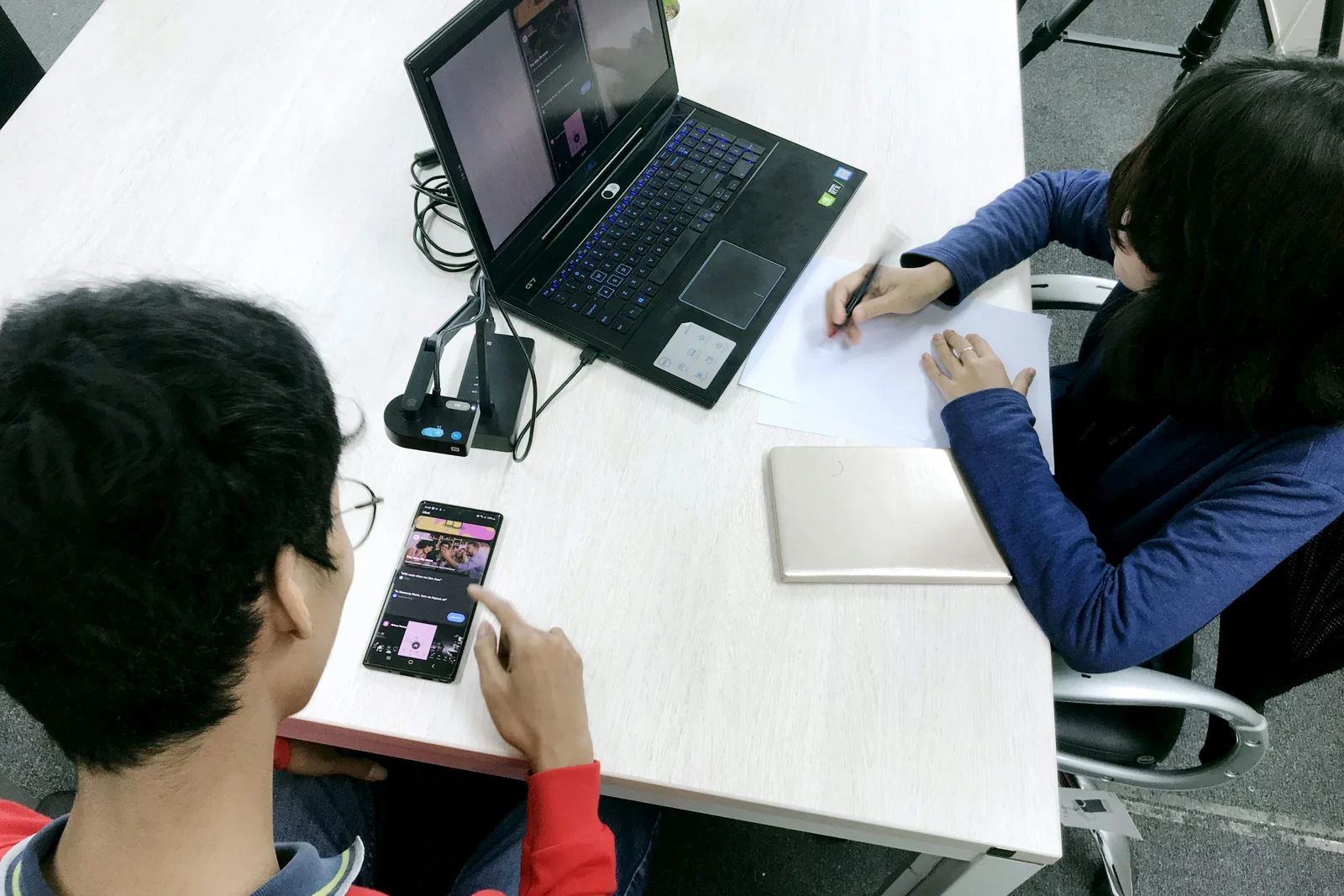
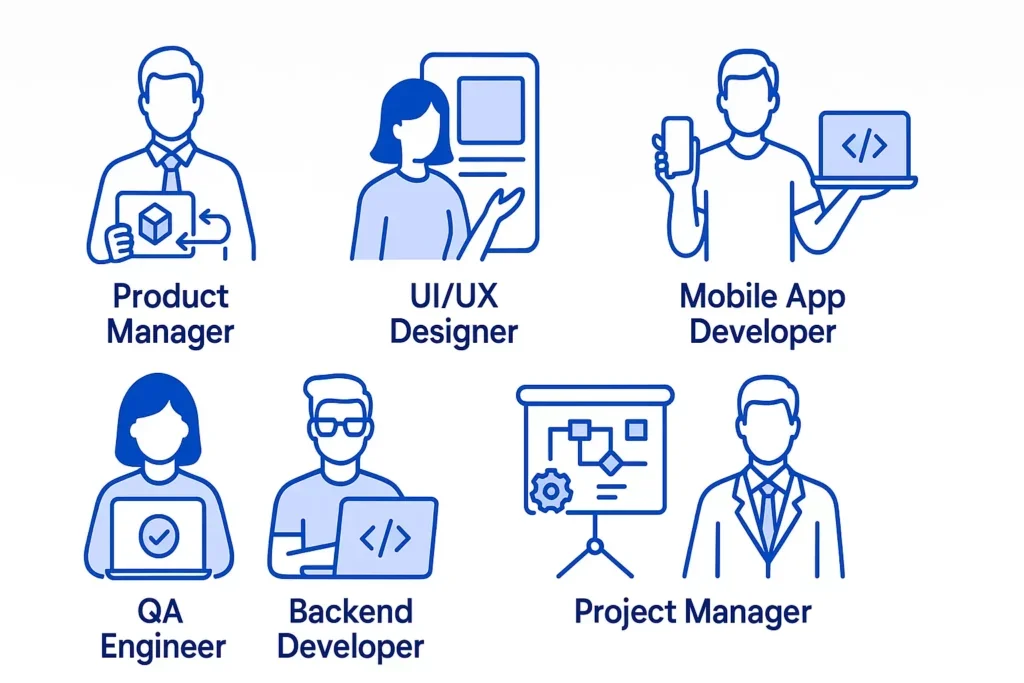
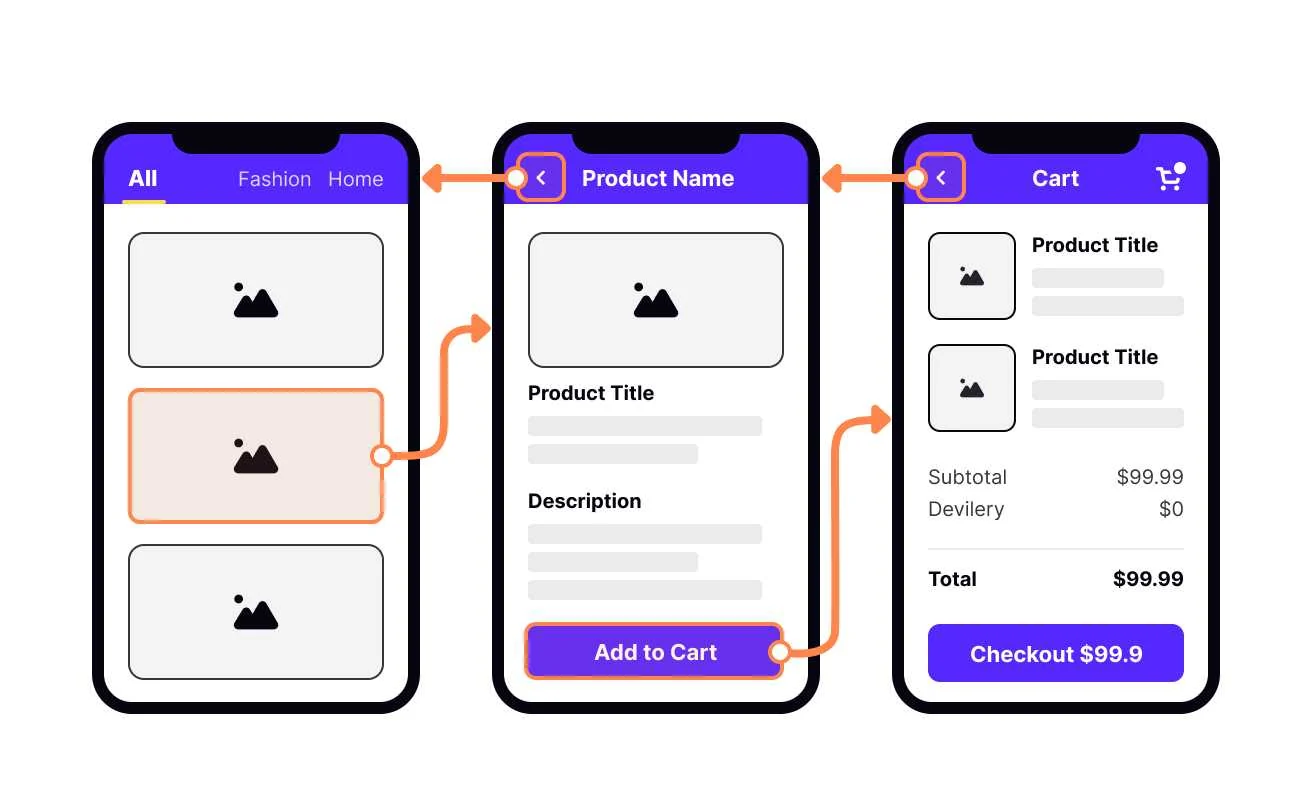
It does not need to settle every state or reveal a polished identity. It needs to create a believable situation where the team can see whether an interaction makes sense.
Open the review checklist“The goal is not to prove that a screen works. It is to understand what a person expects to happen next.”
Keep the focus on the person’s path, not a defense of the draft.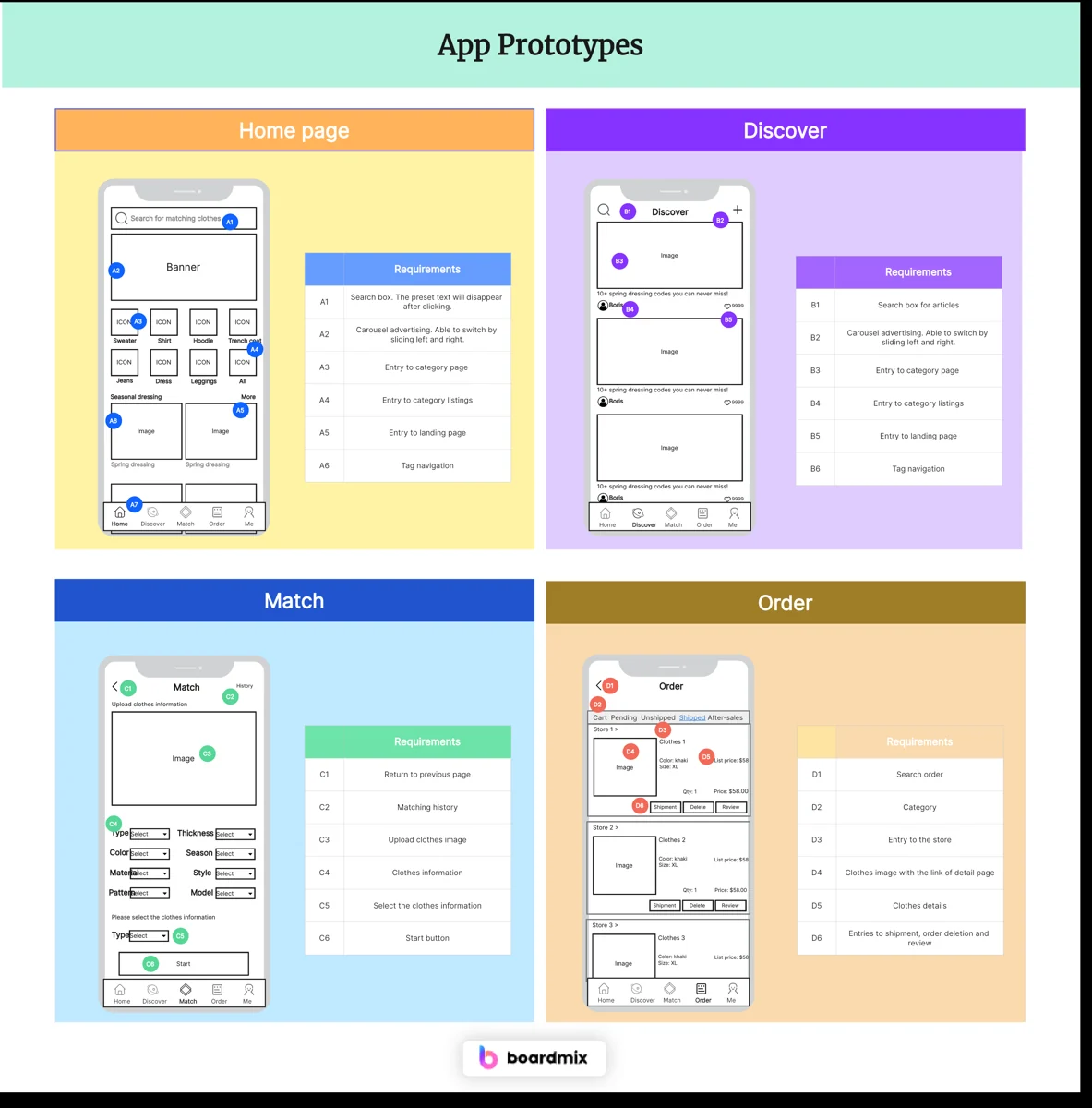
Use a prompt that places the task in a familiar moment and avoids naming the answer.
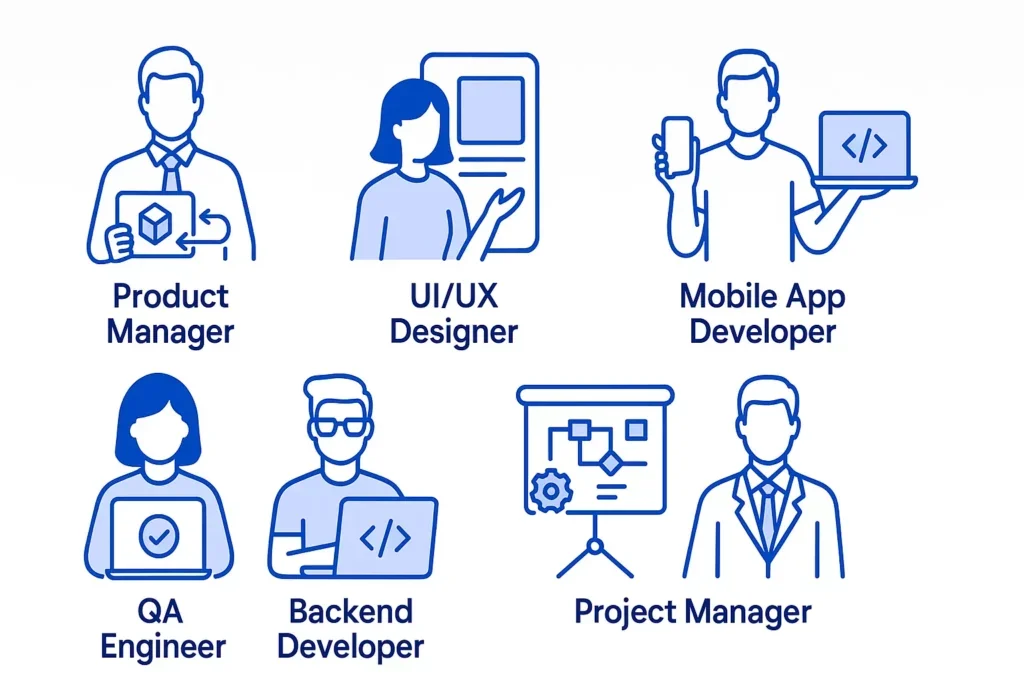
Ask what someone notices and expects before asking whether they like an interface.
Filter by the work in front of you, then check off the prompts that matter for this session. Your selections stay in this browser while you explore.
Write it in plain language before the discussion begins.
Give people context without directing their next action.
Remove unrelated paths that could distract from the question.
Separate what was seen or heard from the team’s interpretation.
End with a shared next step, a remaining question or both.
Three reminders to bring into a working session—not a fixed method, just a place to begin.
When an assumption is written down, people can challenge it, improve it or decide it is not the one that matters.
What someone does around a product can be as revealing as what they do inside it.
A small decision note helps future collaborators understand the context instead of reliving the debate.
A few common questions from teams that are making space for product learning alongside delivery work.
This form creates a private draft in your browser only. For a general note, write to [email protected].